
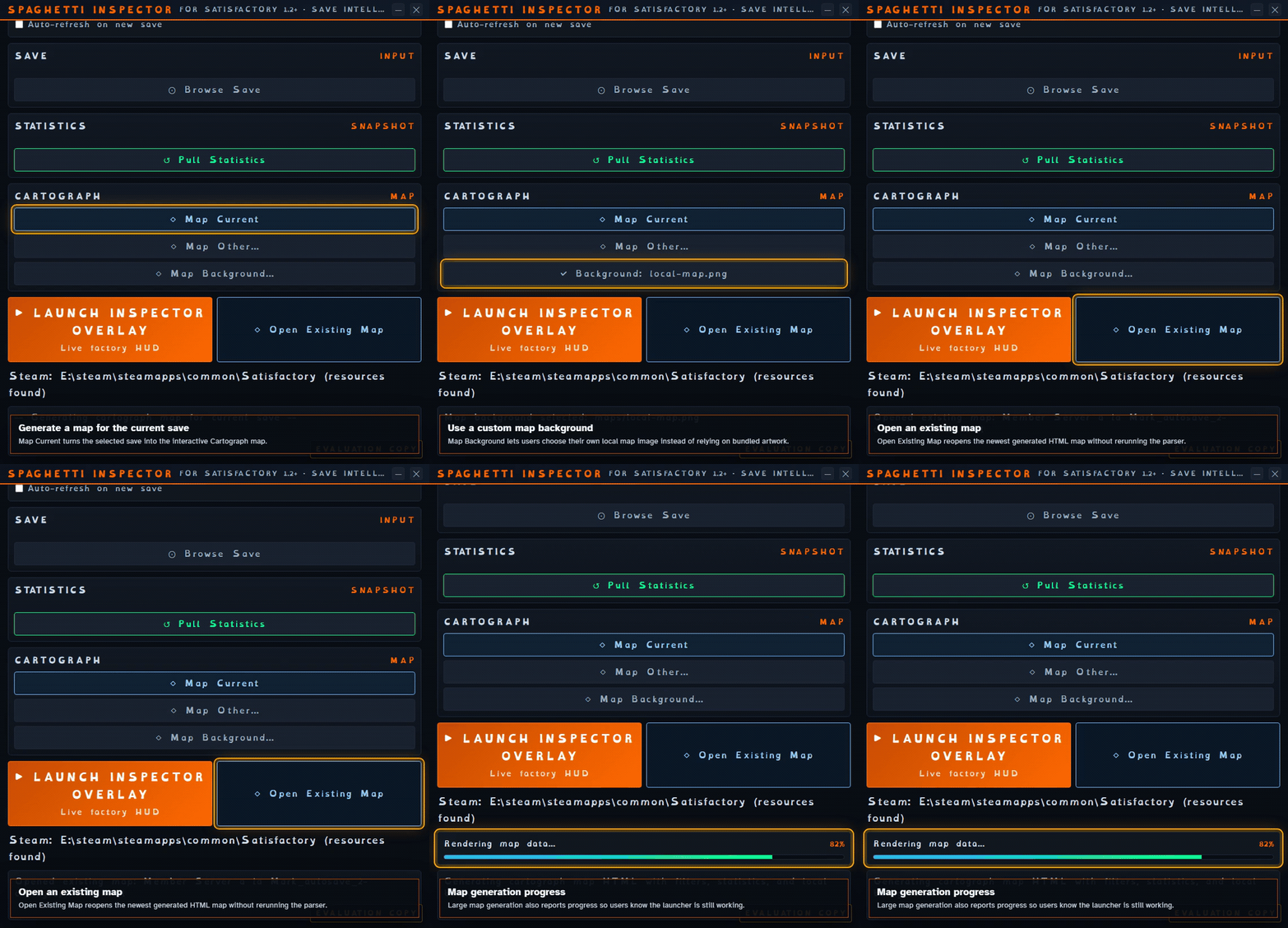
One save, one build button
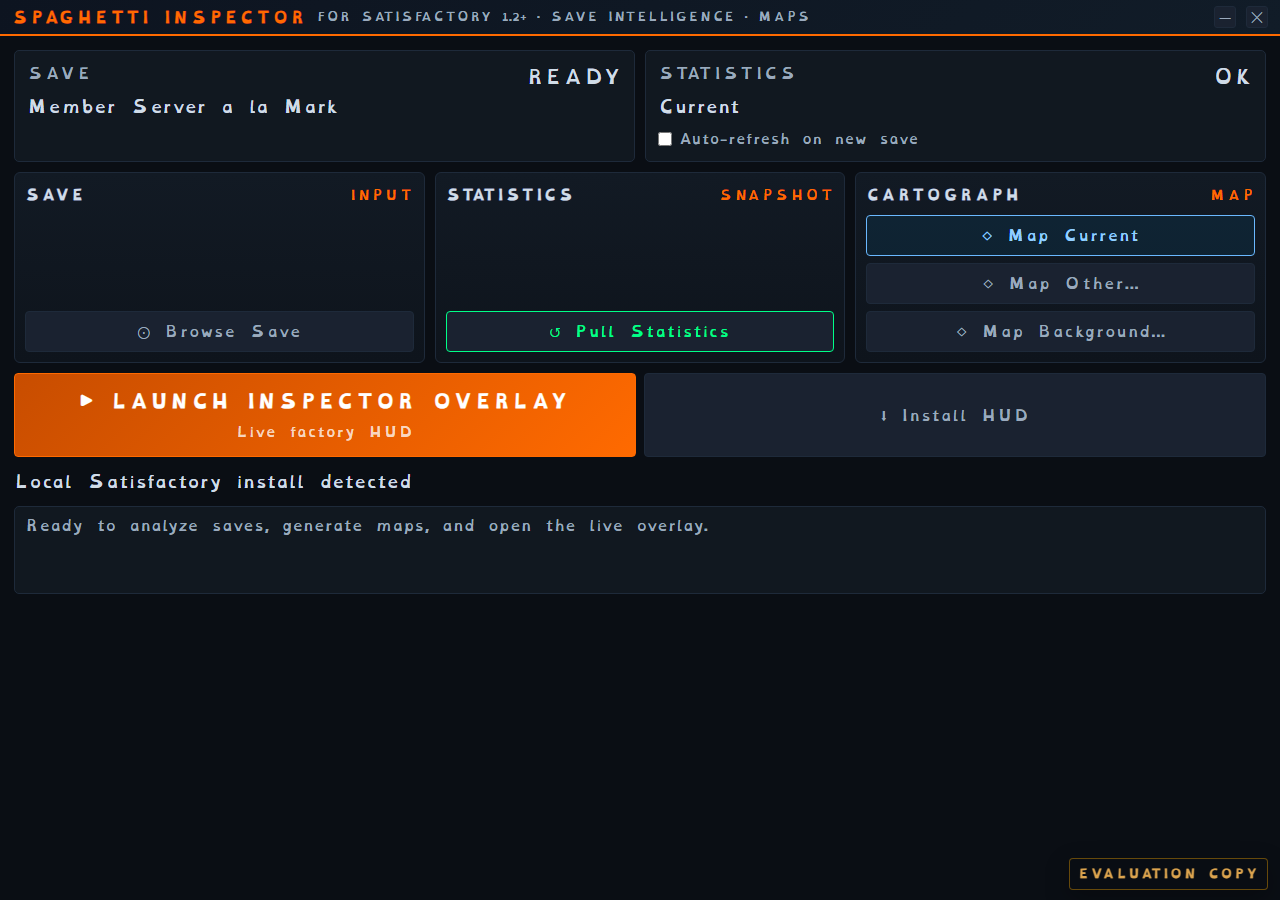
The launcher keeps the statistics, part tracing, and map tied to the same selected save.
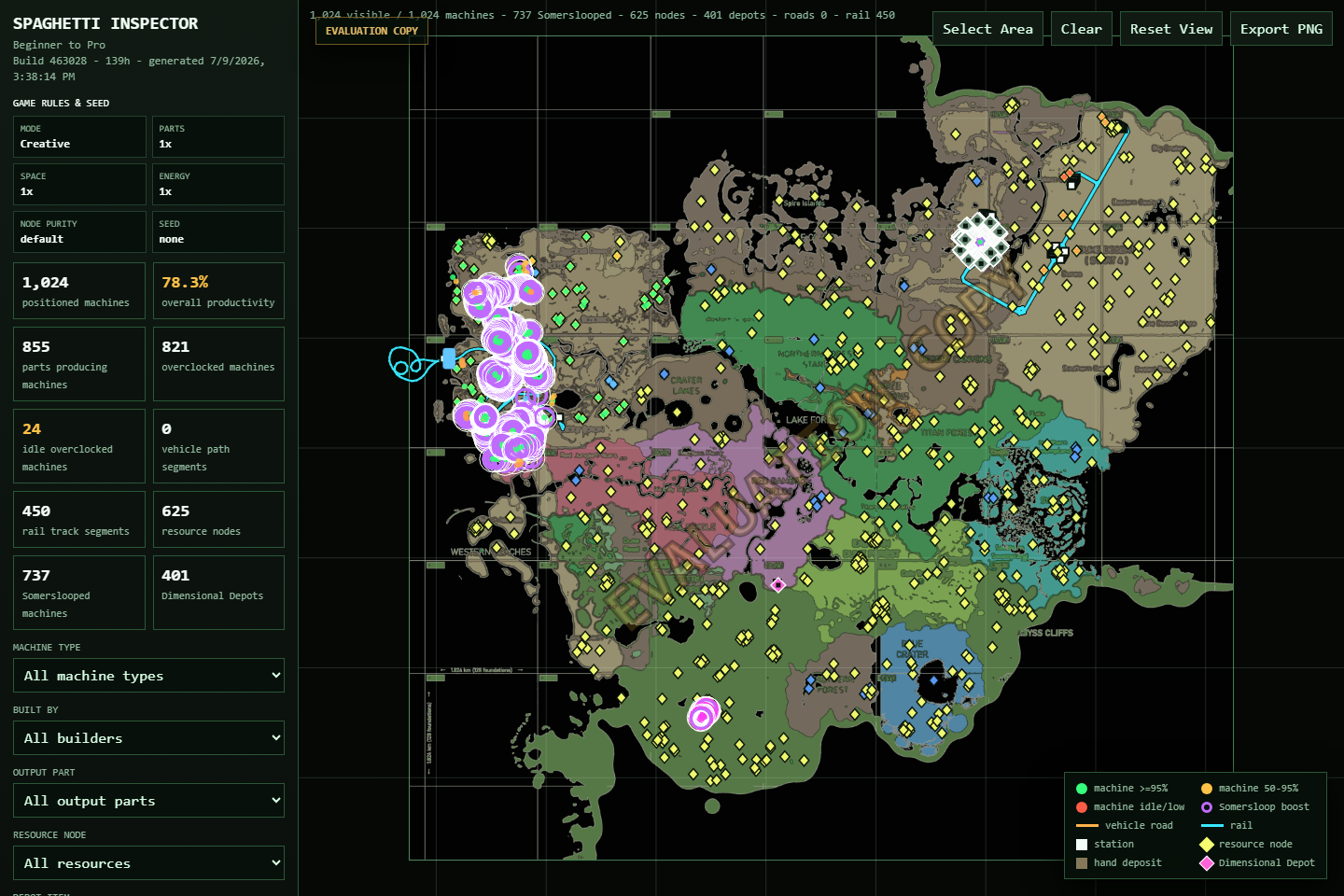
See your whole factory clearly. Find missing multiplayer items, spot starved or backed-up machines, trace parts, check resource nodes, and see who built what. Reopen past maps, keep key numbers beside the game, or watch your factory grow in a timelapse.
One purchase includes the Windows app and future Spaghetti Inspector releases. Use your checkout email to get the current installer at any time.
Select a save, then choose Build Current Map. Spaghetti Inspector prepares the statistics, part links, and map in order, then unlocks the tools that use them.
The launcher keeps the statistics, part tracing, and map tied to the same selected save.
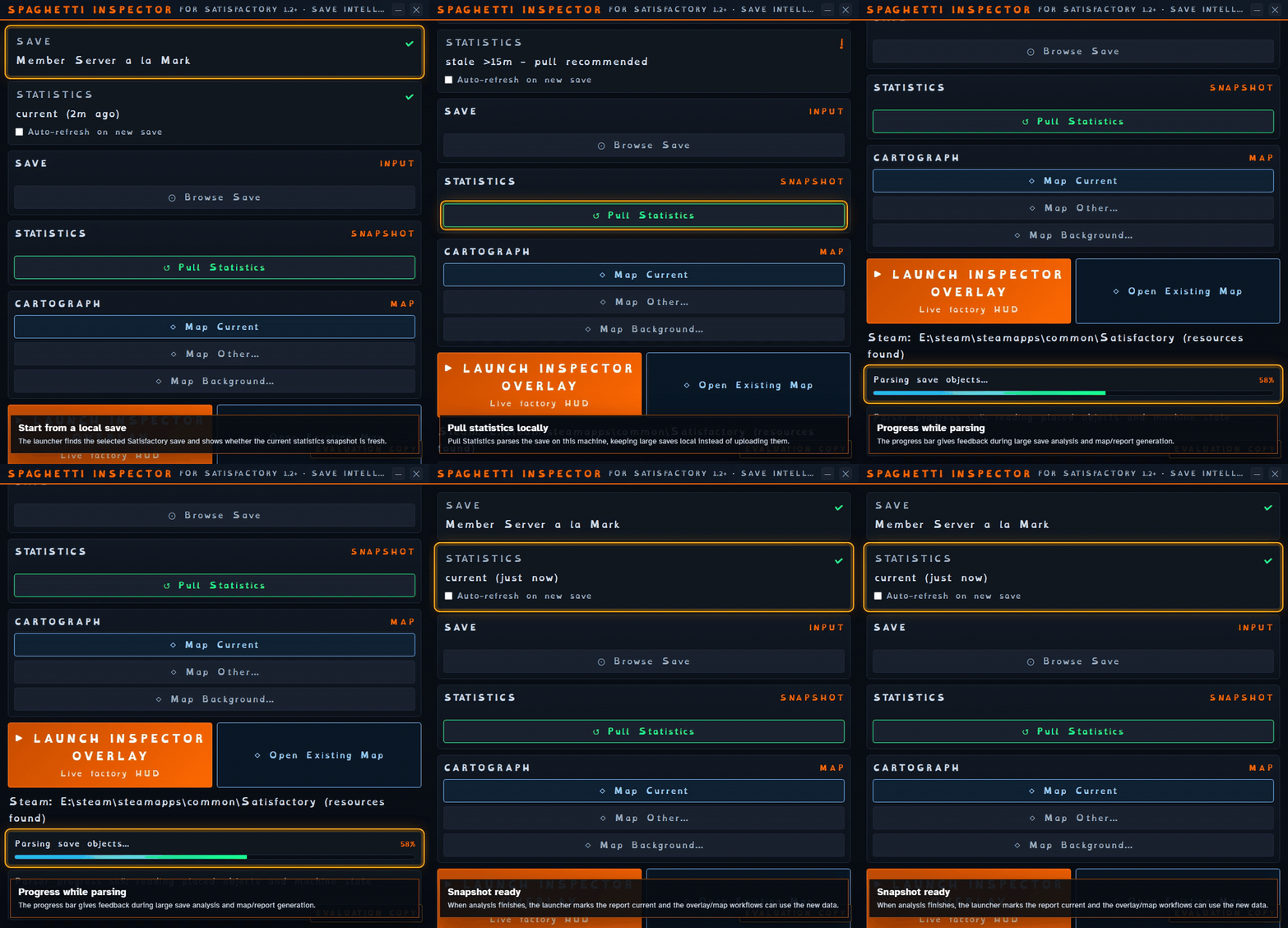
One progress display shows when statistics, part tracing, and the map are ready.
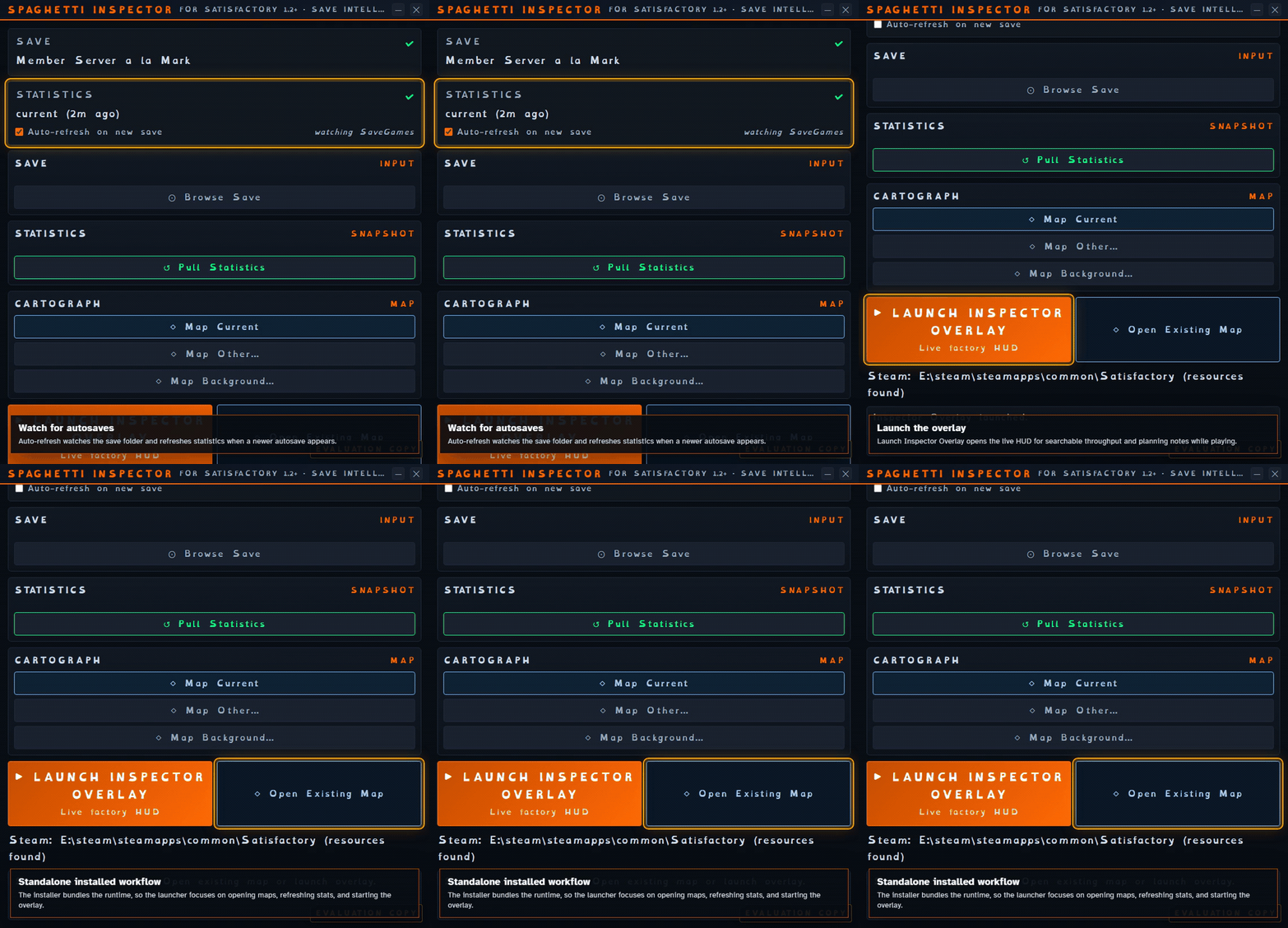
Refresh the current map from new autosaves or reopen a finished map without rebuilding it. Delete old maps when you no longer need them; each one is about the size of its save.
Open one save and explore the whole factory. Find missing items, stalled machines, crowded outputs, production lines, resource nodes, player builds, and logistics routes—even on very large maps.
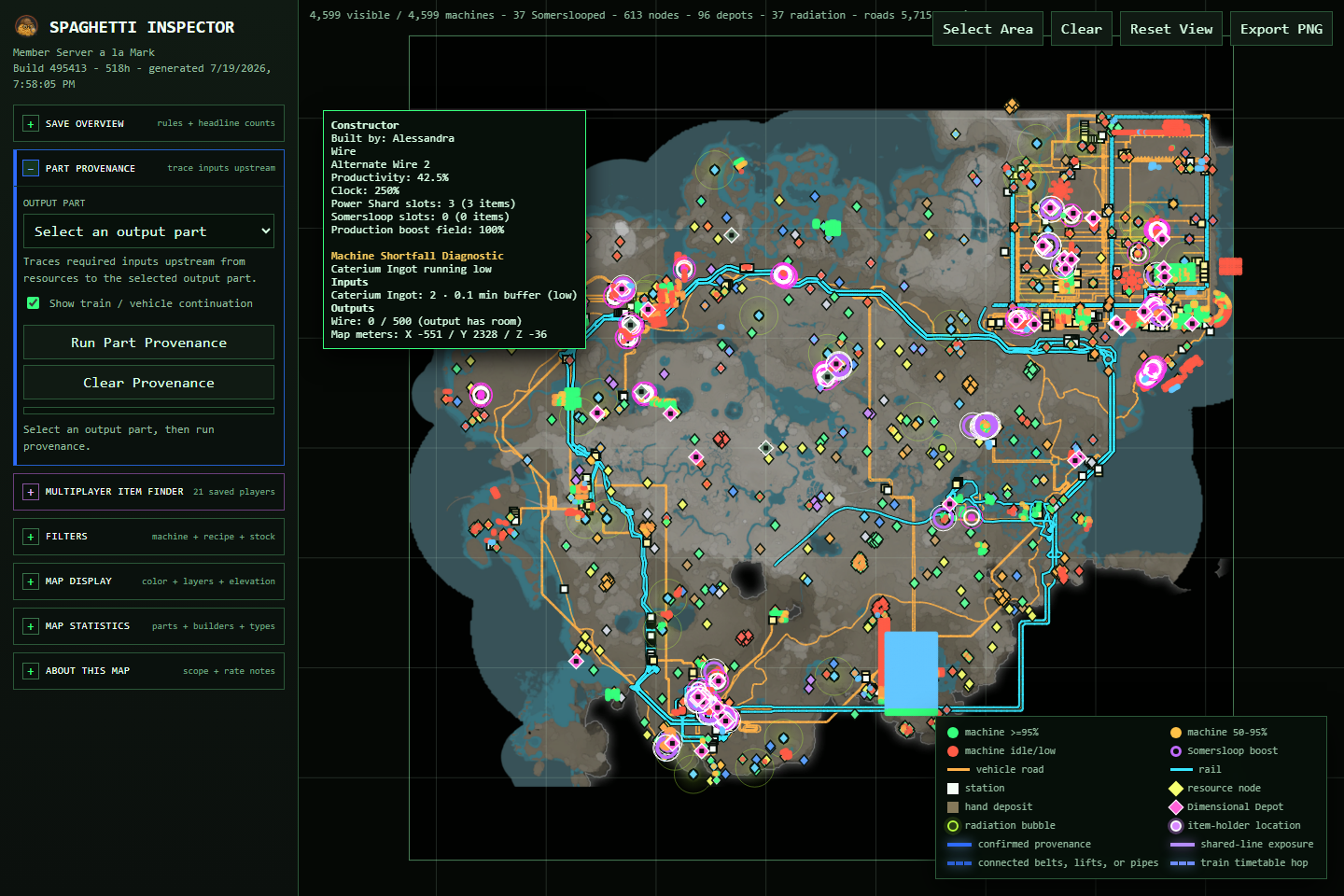
See which input is running short, how long its buffer may last, or whether a full output is blocking production. Map filters take you straight to the affected machines.
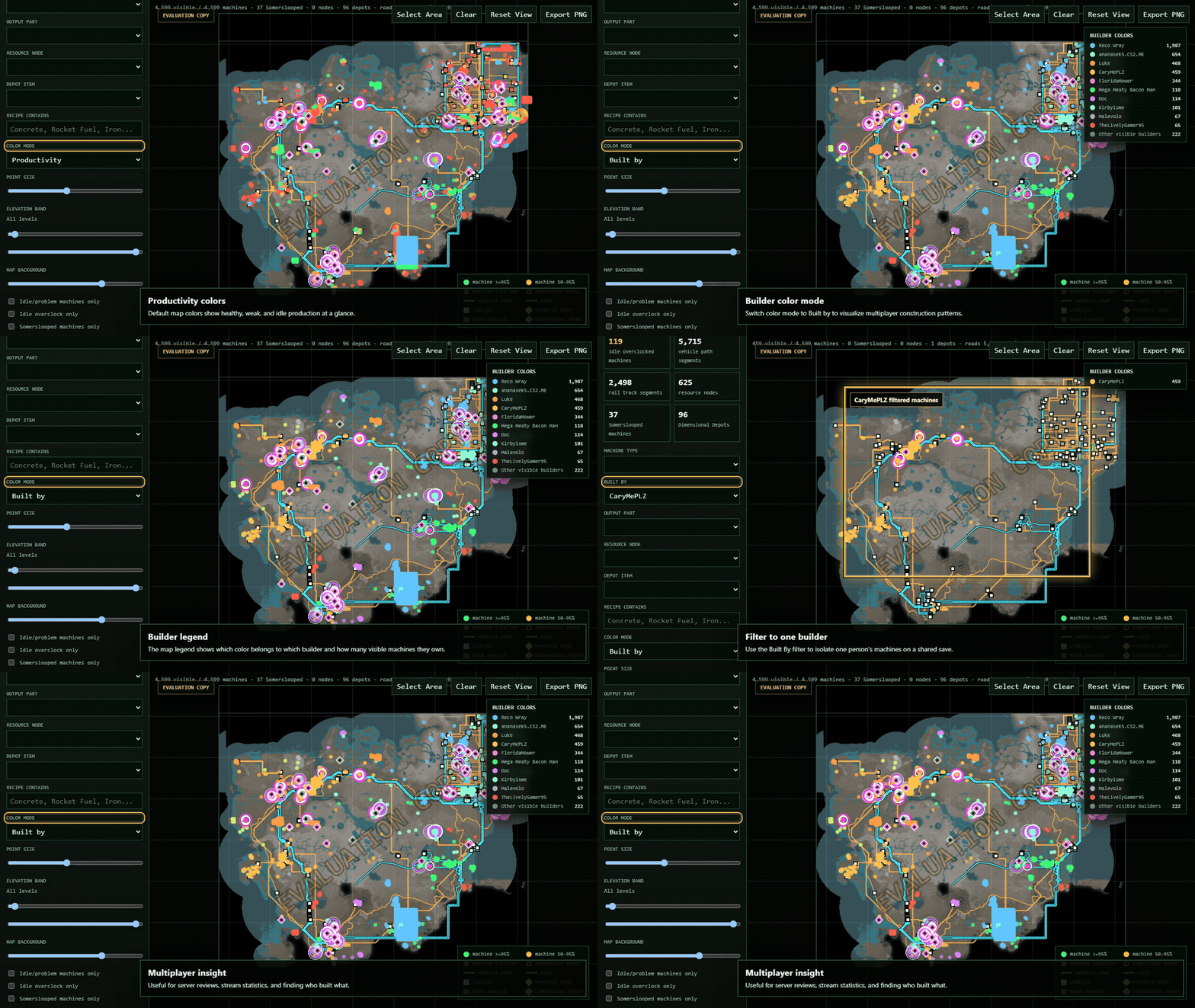
Color each pioneer's objects and filter them by foundations, architecture, logistics, power, production, storage, and more.
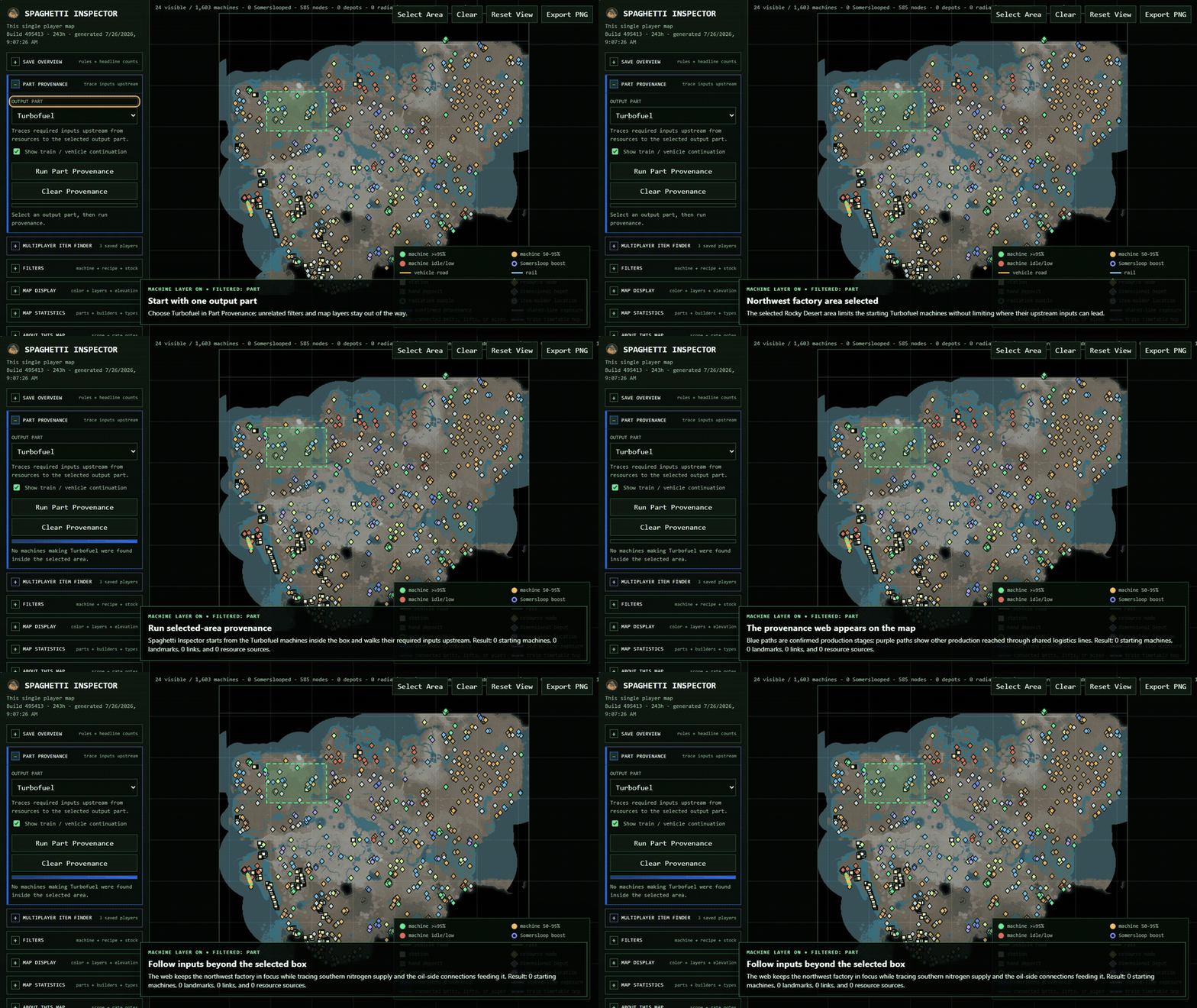
Follow a part through belts, pipes, machines, storage, stations, trains, and vehicles. Start with the whole map or one selected factory area.
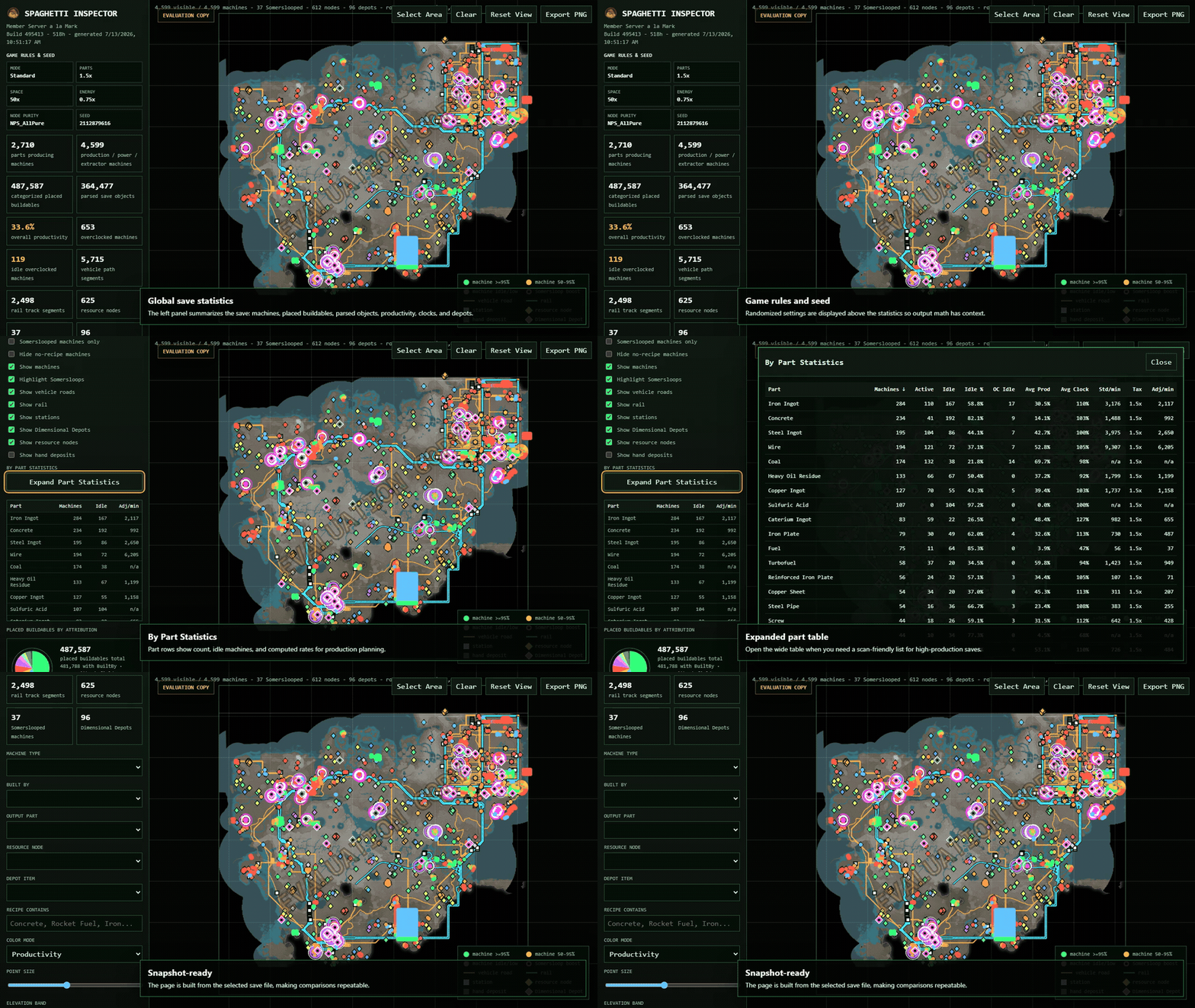
See standard and alternate recipes with each machine's clock speed, productivity, and Somersloop boost. Standard maps use OQE Labs' built-in vanilla recipe library.
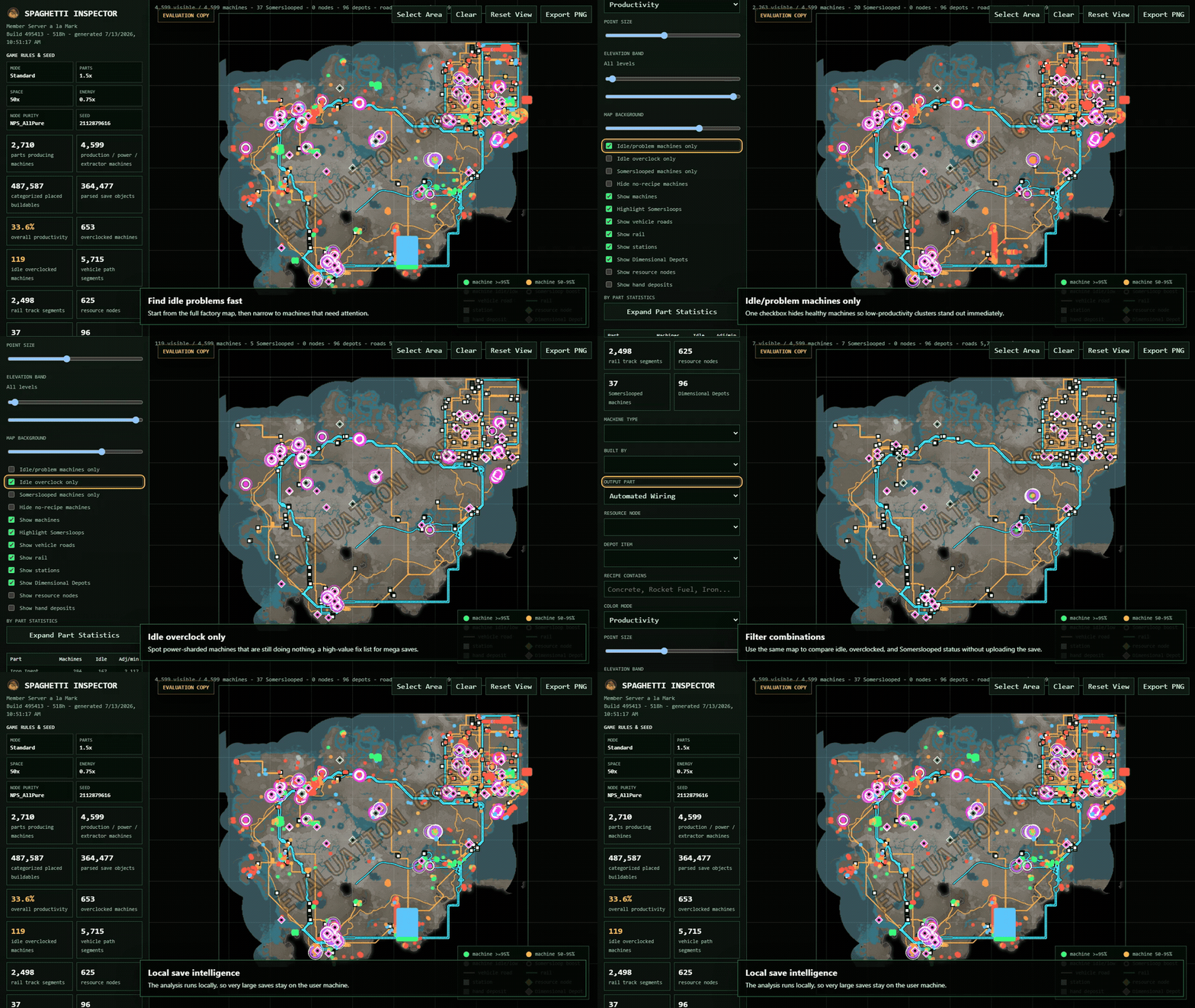
Show idle machines that still have overclocks or Somersloops installed.
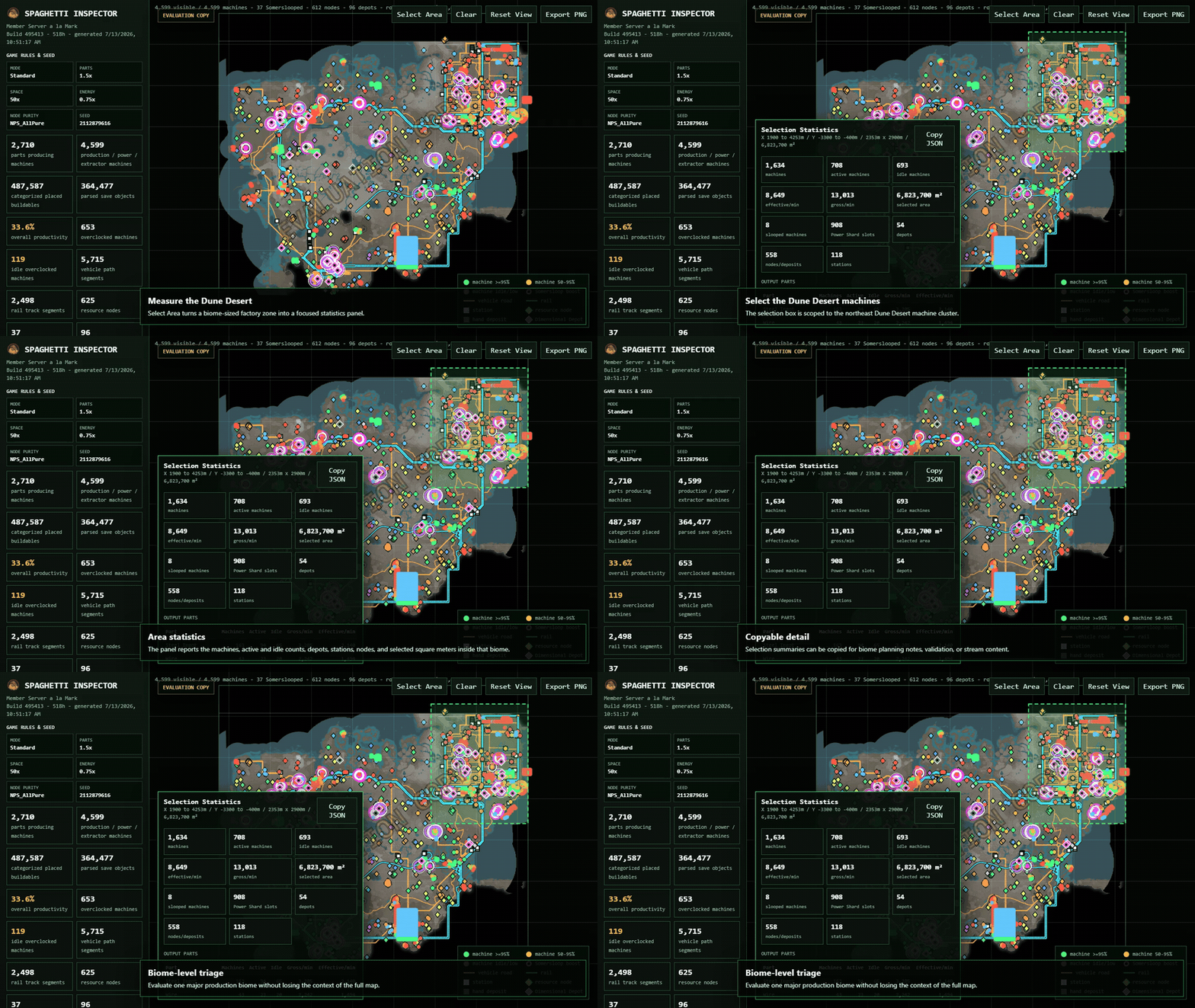
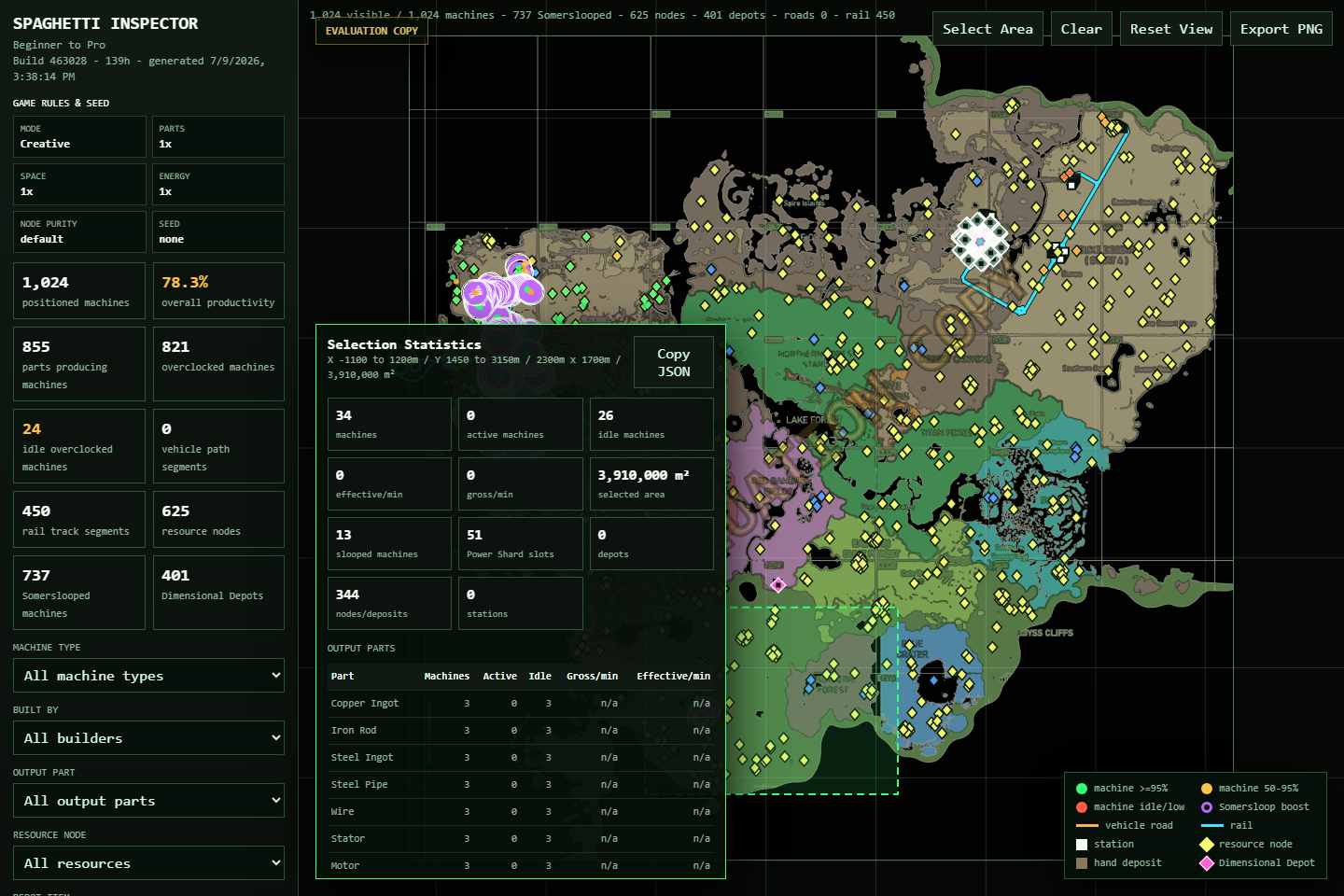
Draw an area on the map to see only its machines, production, idle equipment, builders, logistics, and resource sources.
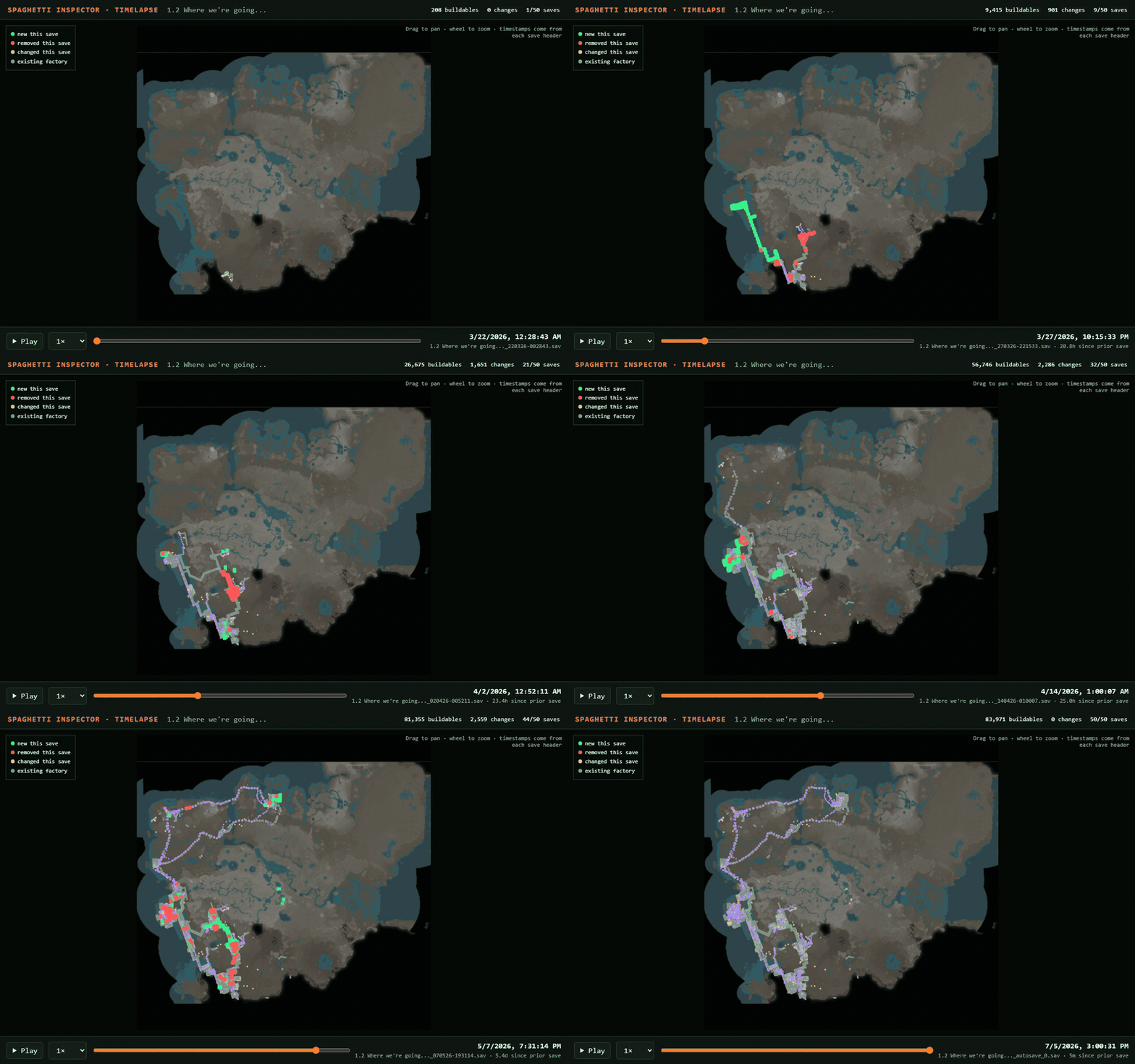
Turn matching saves in one folder into a timelapse. Replay the full history or choose your own date range.
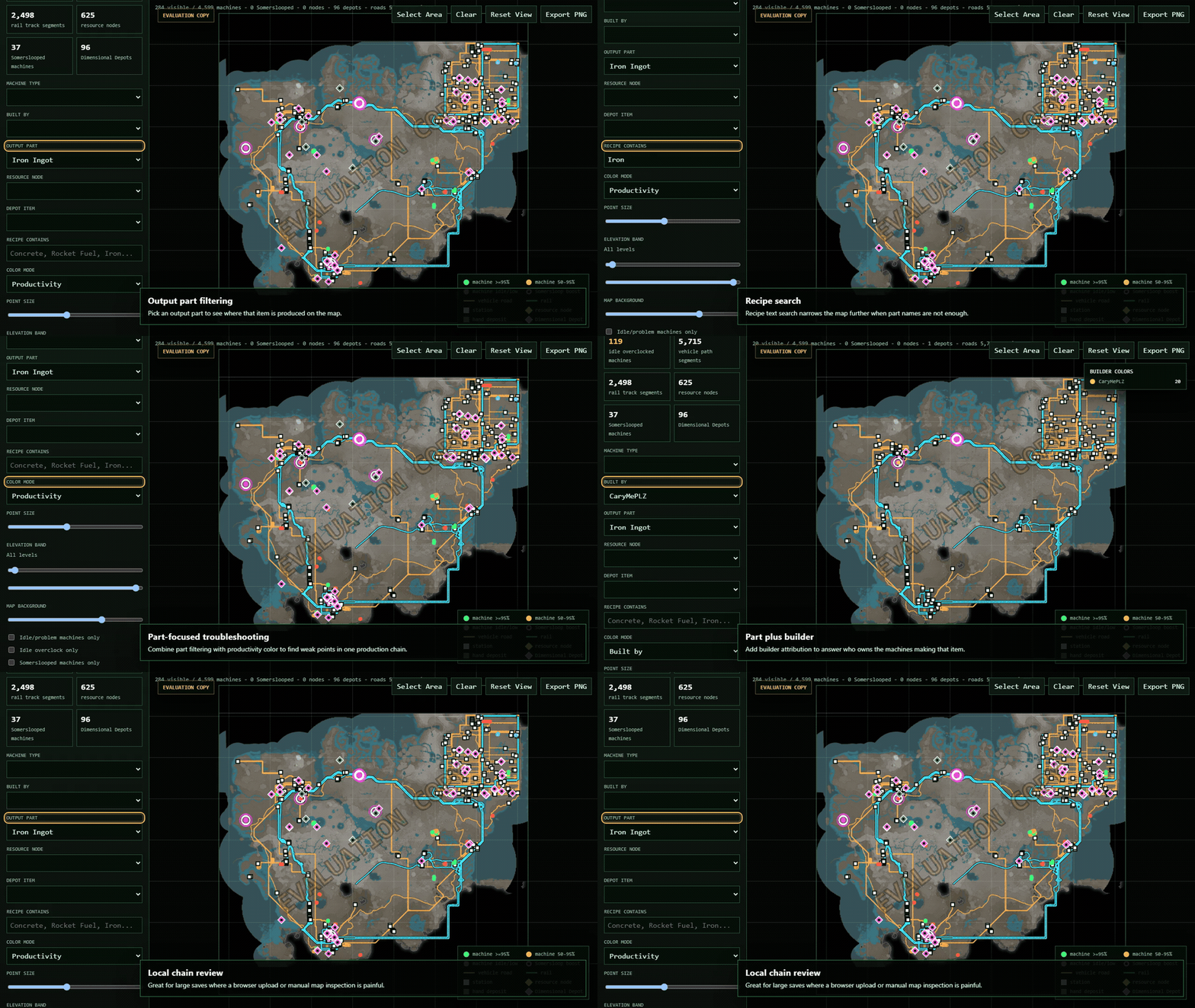
Search by output to isolate one production chain or every machine producing the same item.
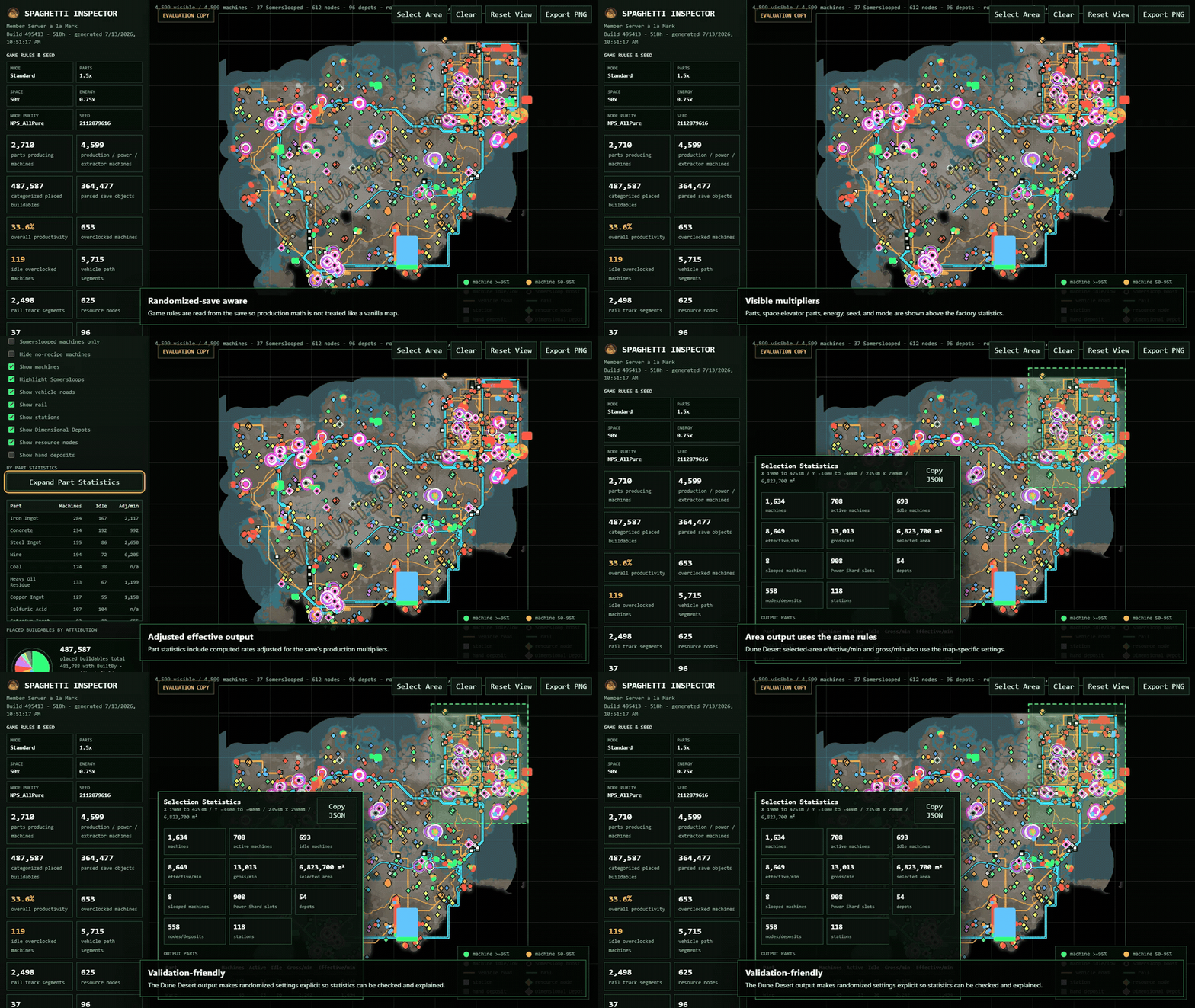
Reads the save's rules, recipes, and resource assignments so the map reflects that world.
Spaghetti Inspector is built so the coding agent you already use can inspect the local workflows, explain how they handle your save, and help tailor the tool to the way you play.
You supply the agent. It works with files on your PC; Spaghetti Inspector does not include an AI service or send prompts to OQE Labs.
The included guide gives your agent a safe starting point for local changes, backups, and validation so customized workflows can stay grounded in the save data.
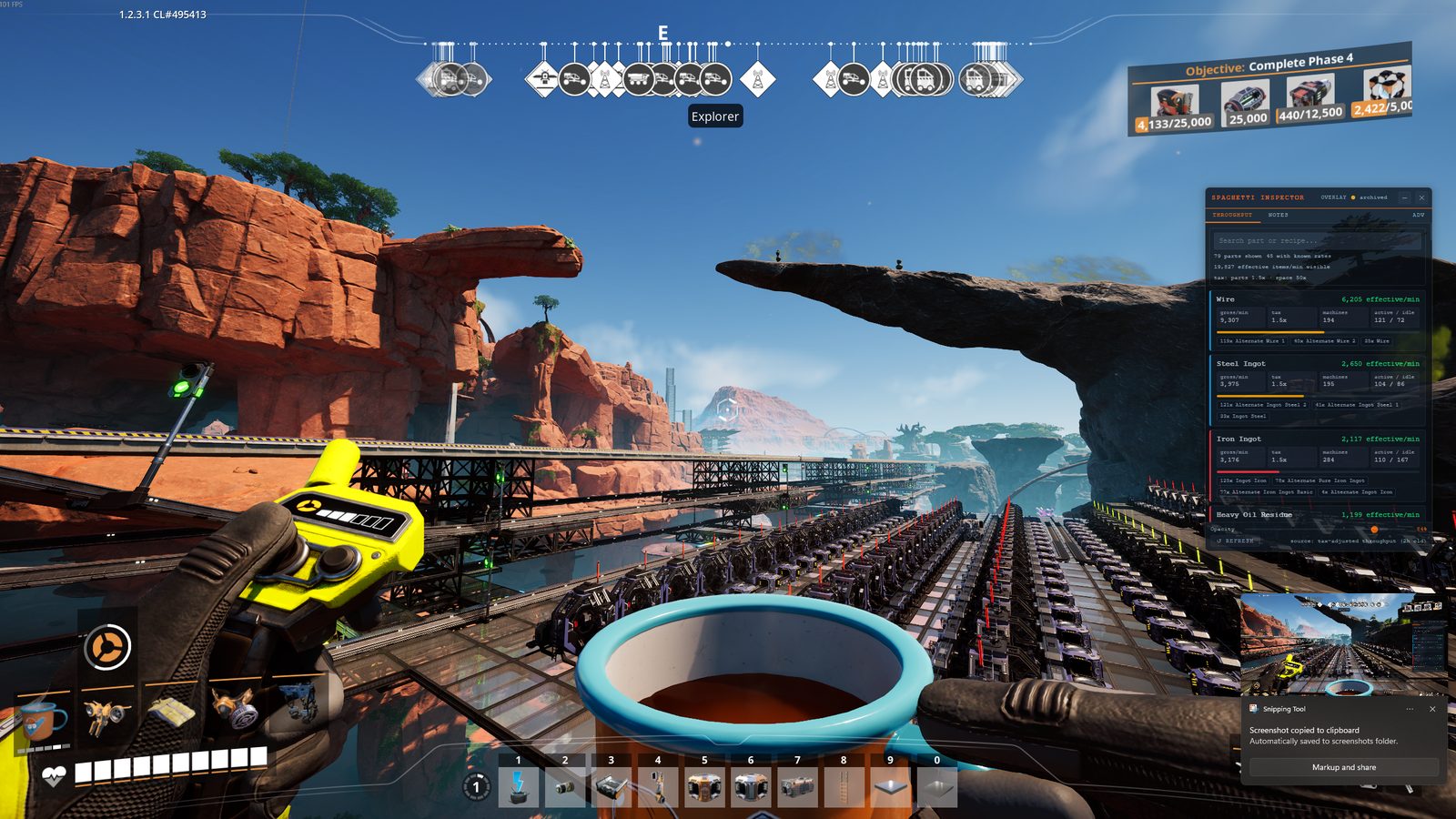
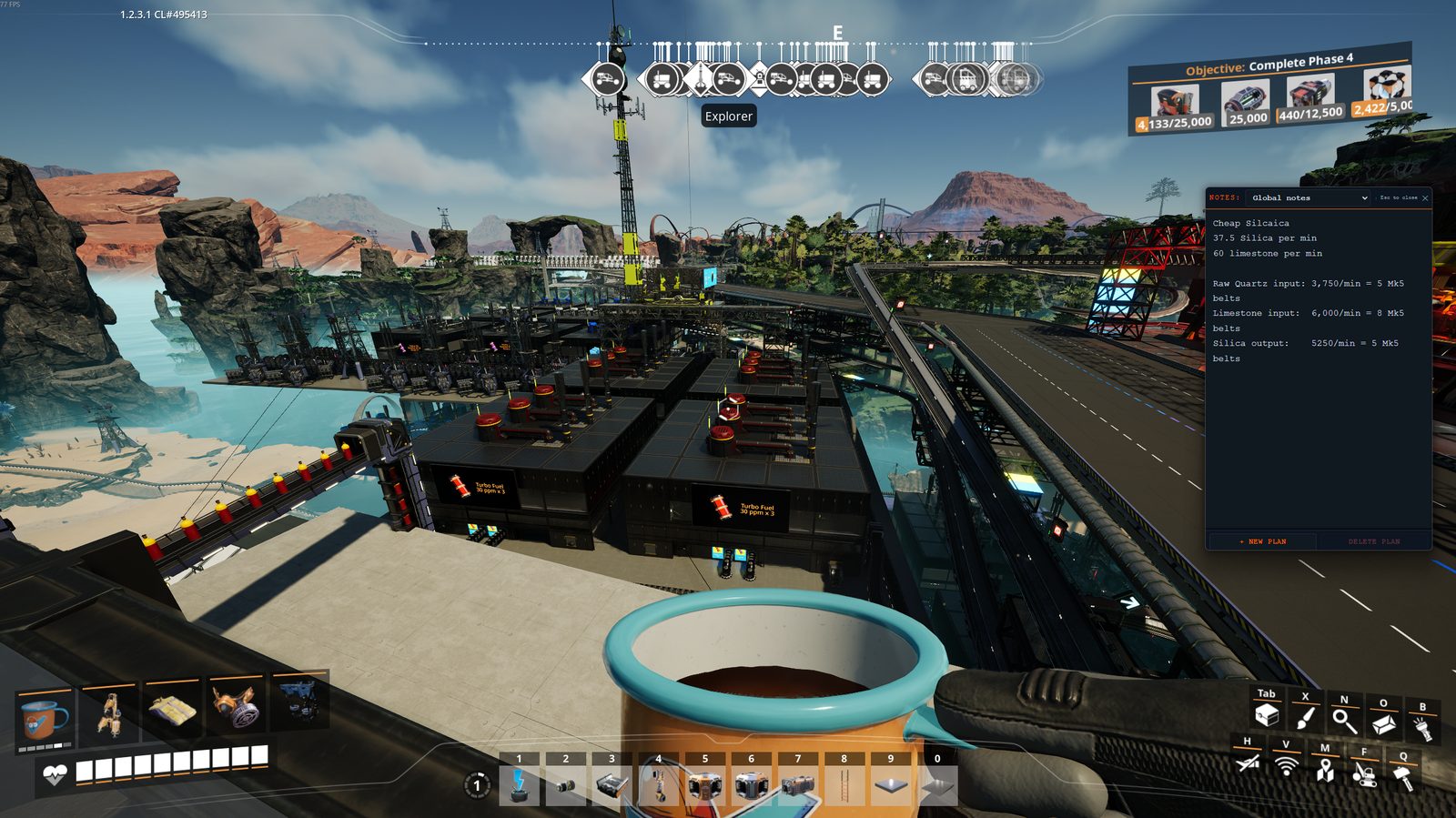
Keep searchable throughput notes, plan context, and AI-assisted planning output in the transparent companion overlay while Satisfactory is running.
Tune filters, labels, thresholds, reports, and map workflows around your factory without sending save files or prompts through OQE Labs.
Have your agent summarize what it changed, why it changed it, and which local checks passed before you rely on the customized copy.
The current installer is not code-signed, so Windows may ask you to confirm before it runs.
After checkout, you receive links for the installer and receipt. You can request fresh links later with the same email.
Download the installer from OQE Labs and open it.
If you downloaded it from OQE Labs and want to continue, choose More info, then Run anyway.
More info → Run anywayOpen Spaghetti Inspector and select a Satisfactory save. The save stays on your computer.
Resource type and purity come from the save when available, with a built-in library for standard maps.
The built-in node library supplies locations, resources, and purity for the standard world.
The app reads each map's resource assignments from its save.
Use this list when you need the details behind the examples above.
| Area | What you can do |
|---|---|
| Map filters | Filter by player, part, recipe, machine, resource, height, idle state, boosts, and problems. Show or hide factory, transport, resource, road, rail, and radiation layers. |
| Multiplayer Item Finder | Search each saved player's inventory, equipment, and upload slots, then find that player's last saved location on the map. |
| Production status | Compare standard output, Somersloop bonus, total output, and average output per machine. Find idle machines and overclock problems. |
| Area statistics | Draw around one factory to see its machines, output, idle equipment, builders, station cargo, logistics, and area size. |
| Build attribution and types | Color and filter objects by the player who built them and by what they do. |
| Save analysis | Read machines, productivity, boosts, Dimensional Depot contents, resource nodes, and randomized world settings from the local save. |
| Save-history timelapse | Replay all matching saves, the last 7 or 30 days, or a custom date range. Repeat runs reuse finished work when possible. |
| Part provenance | Trace a selected part through belts, pipes, machines, storage, stations, trains, and vehicles. Start with the whole map or one selected area. |
| Station cargo | See station names, transport type, stored items, and quantities for trucks, trains, and drones. |
| Launcher tools | Build one current map, watch its progress, reopen finished maps, refresh from autosaves, create timelapses, choose a background, and open the overlay. |
| Overlay | Search output rates, active and idle machine counts, recipe groups, save settings, and your factory notes beside the game. |
Version 0.14.2 is available for Windows. Download the watermarked map demo before you buy, or send feedback. Spaghetti Inspector is an independent companion app and does not include Satisfactory. See the privacy and purchase terms.